

Product UI design determines whether users complete a purchase, abandon a signup flow, or recommend your platform to their team. The visual layer of your product isn't decoration. It's the primary mechanism through which users understand what's possible, what's important, and what to do next. When investor-backed startups ask why their conversion rates plateau or churn stays high, the answer often lives in the interface. Not the feature set. Not the pricing. The design itself. In 2026, the companies winning market share treat product UI design as a growth lever, not a creative exercise.
Why Product UI Design Matters More Than Features
Your feature list doesn't matter if users can't find the features. Product UI design translates capability into perceived value. A startup with ten features presented clearly will outperform a competitor with fifty features buried in confusing navigation. Users make snap judgments about product quality based on visual hierarchy, button placement, and micro-interactions. These judgments happen in milliseconds.
Business outcomes directly tied to UI decisions:
- Conversion rates increase when signup flows reduce friction and cognitive load
- Time to value shrinks when onboarding interfaces guide users to their first win
- Support costs drop when interface design answers questions before users ask them
- Retention rates improve when dashboards surface the data users actually need
The financial impact is measurable. A/B tests on button color get attention, but structural UI decisions move revenue. Redesigning a checkout flow can lift conversion by 20-40%. Improving dashboard hierarchy can reduce churn by double digits. These aren't aesthetic wins. They're bottom-line improvements driven by intentional product UI design.
Consider how UI design principles create clarity in complex applications. When users understand where they are, what they can do, and what happens next, they stay longer and accomplish more. That clarity compounds over time as users develop mental models that make your product feel intuitive.
The Core Framework for Strategic Product UI Design
Effective product UI design balances three competing priorities: user goals, business objectives, and technical constraints. Most teams optimize for one and ignore the others. The result is beautiful interfaces that don't convert, or functional dashboards that feel dated on launch day.

Start With Jobs to Be Done
Users don't want your product. They want to accomplish something. Product UI design should eliminate every step between intent and outcome. Map the critical paths in your application. Identify where users currently stumble. Design interface solutions that remove those friction points.
Questions that drive interface decisions:
- What job is the user trying to complete in this screen?
- What's the fastest path to that outcome?
- What information does the user need to decide what to do next?
- What could go wrong, and how does the UI prevent or recover from it?
This is why systems in design create compounding value. When you build reusable components that solve these questions once, every new feature inherits that clarity.
Design Systems Prevent Entropy
Product UI design without systems creates debt. Every new screen introduces inconsistencies. Button styles multiply. Color values drift. Spacing becomes arbitrary. Six months later, your product feels like it was designed by twelve different people. Because functionally, it was.
A design system is decision infrastructure. You make choices about typography, color, spacing, and component behavior once. Every subsequent screen inherits those decisions. This accelerates velocity and ensures quality doesn't degrade as you scale.
| System Component | Business Impact | Implementation Priority |
|---|---|---|
| Component library | Reduces design and dev time by 40-60% | High |
| Typography scale | Creates visual hierarchy that guides attention | High |
| Color system | Ensures accessibility and brand consistency | High |
| Spacing system | Maintains visual rhythm across all screens | Medium |
| Icon library | Speeds recognition and reduces cognitive load | Medium |
| Motion principles | Provides feedback and guides state changes | Low |
The investment in systems pays dividends immediately. New features ship faster. Quality stays consistent. Designers and developers spend less time debating spacing and more time solving user problems.
Applying Product UI Design to Real Business Problems
Abstract principles don't ship products. Let's examine how strategic UI design solves specific business challenges that investor-backed startups face in 2026.
Problem: Low Signup Conversion
Your landing page traffic looks good, but signup completion sits at 12%. Users start the flow and abandon. The issue isn't motivation. They clicked "Get Started." The issue is the interface between intent and account creation.
Product UI design solutions:
- Reduce form fields to absolute minimum for first signup
- Show progress so users know how many steps remain
- Explain why you're asking for each piece of information
- Provide social proof at the exact moment users hesitate
- Design error states that guide correction instead of blocking progress
Testing these changes in isolation shows modest lifts. Implementing all five together can double signup conversion. The interface itself becomes a conversion optimization tool.
Problem: High Early Churn
Users sign up but don't activate. They log in once, look around, and never return. Your analytics show a clear drop-off between account creation and first meaningful action. This is an onboarding UI problem.
Product UI design interventions:
- Progressive disclosure that reveals complexity only as users need it
- Empty states that teach rather than just say "no data yet"
- Contextual tooltips that appear at the moment of confusion
- Success states that celebrate small wins and encourage next steps
- Skeleton screens that maintain perceived performance during loading
These patterns are well-documented in UI design best practices research, but most teams treat them as optional polish. They're not. They're the difference between users who activate and users who churn.
When we redesigned the onboarding experience for OpenReel's product, the UI changes focused on showing immediate value. Users could see what the product could do before being asked to configure everything. Activation rates improved significantly because the interface itself became the teacher.
Problem: Feature Invisibility
You shipped a major feature three months ago. Usage is disappointing. User interviews reveal the problem: half your users don't know the feature exists. You have a product UI design discovery problem.
Navigation redesign is the obvious solution, but it's often the wrong one. Better approaches:
- Contextual feature hints that appear when users encounter the problem your feature solves
- Dashboard widgets that surface feature value before asking for engagement
- Smart defaults that enable the feature automatically for appropriate use cases
- In-app notifications timed to user behavior patterns, not arbitrary schedules
The goal isn't making every feature equally prominent. The goal is surfacing the right capability at the moment it becomes relevant.
Building Product UI Design That Scales
Early-stage products can get away with inconsistency. Growth-stage products cannot. As your team grows and your product expands, product UI design requires intentional architecture.
Component Architecture
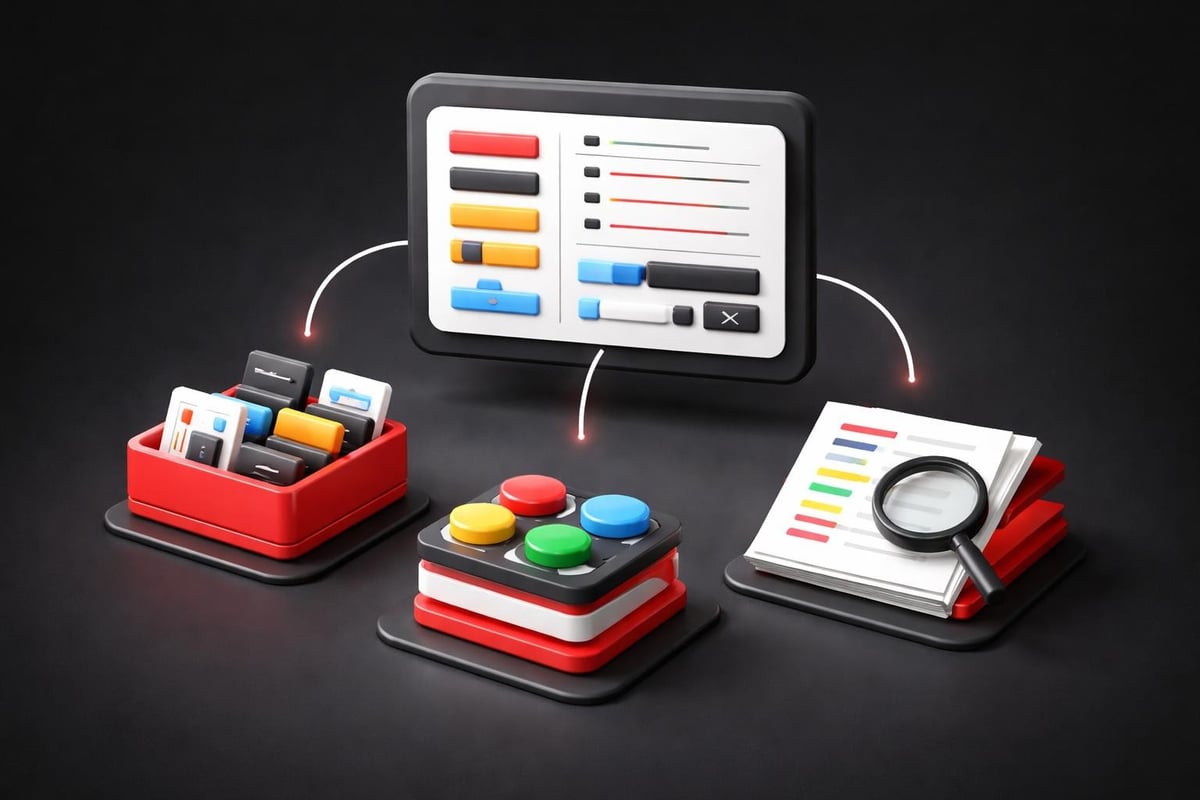
Build your interface from composable pieces. A button isn't just a button. It's a system of variants: primary, secondary, destructive, disabled. Each variant has defined states: default, hover, active, focus, loading. This specificity prevents drift and enables delegation.
Core component categories:
- Input components (text fields, selects, checkboxes, toggles)
- Navigation components (menus, tabs, breadcrumbs, pagination)
- Feedback components (alerts, toasts, modals, tooltips)
- Data display (tables, cards, lists, charts)
- Layout primitives (containers, grids, stacks, spacers)
When these components share a common foundation of design tokens (colors, spacing, typography), you can redesign your entire product by updating token values. The alternative is touching hundreds of files manually.
Responsive Behavior
Product UI design in 2026 means designing for every screen size simultaneously. Mobile isn't a separate project. It's a constraint that improves desktop experiences by forcing clarity and priority.
| Screen Size | Primary Use Case | UI Priorities |
|---|---|---|
| Mobile (320-767px) | Quick tasks, monitoring | Essential actions only, vertical hierarchy |
| Tablet (768-1023px) | Mixed workflows | Balanced density, touch-friendly targets |
| Desktop (1024-1439px) | Power users, complex tasks | Information density, keyboard shortcuts |
| Large (1440px+) | Data visualization, multi-tasking | Utilize space without creating sprawl |
Responsive product UI design isn't about hiding elements on small screens. It's about understanding which interactions matter at which context and optimizing for those jobs.
Design Tokens and Theming
Design tokens separate decisions from implementation. Instead of hardcoding #1E40AF, you reference color.primary.600. This abstraction enables theming, white-labeling, and dark mode without redesigning every screen.
Smart startups build token architecture early. It's dramatically easier to implement before you have 200 components than after. The investment is small. The flexibility is permanent.
The Role of AI in Modern Product UI Design
AI-assisted workflows changed how we approach product UI design in late 2025 and into 2026. The tools don't replace designers. They accelerate the iteration cycles that produce better outcomes.
Generative UI Components
Tools like v0 and Galileo generate component code from text descriptions. The output isn't production-ready, but it's a starting point that beats blank canvas paralysis. Designers iterate on generated components rather than building from scratch. This speeds initial exploration by 3-5x.
The emerging AI workflows excel at generating variations. Need twelve different approaches to a data table? AI produces them in minutes. Your job becomes curation and refinement rather than creation from nothing.
Automated Accessibility Testing
Product UI design must meet WCAG standards. AI-powered tools now catch contrast issues, keyboard navigation problems, and screen reader incompatibilities during design, not after development. This eliminates the costly cycle of designing, building, testing, and redesigning.
AI accessibility checks:
- Color contrast ratios across all theme combinations
- Touch target sizes and spacing for mobile interfaces
- Focus states and keyboard navigation flow
- Alt text suggestions for complex UI elements
- Screen reader compatibility for dynamic content
These checks run continuously as you design. Accessibility becomes automatic rather than aspirational.
A/B Test Generation
AI can generate interface variations for testing. Describe what you want to test, and it produces coded alternatives. This democratizes experimentation. You're no longer limited by design bandwidth. You're limited by traffic and statistical significance.
The best product UI design teams in 2026 run continuous experiments. They test assumptions weekly. They let data override opinions. AI makes this velocity possible.
Common Product UI Design Mistakes That Kill Conversion
Even experienced teams make predictable mistakes. Recognizing these patterns helps you avoid them.
Mistake: Designing for Edge Cases First
Your power users are loud. They request complex features and specific workflows. It's tempting to design for them. Don't. Design for the mainstream use case first. Edge cases get progressive disclosure or advanced modes. Most users never see them.
This is detailed in effective UI design practices research: optimize for the 80% job, not the 20% requests.
Mistake: Inconsistent Interaction Patterns
Users build mental models of how your product works. When similar actions behave differently across screens, you break those models. Clicking a row might open details in one table and select the row in another. This inconsistency creates cognitive friction every time.
Interaction patterns to standardize:
- Selection behavior across all lists and tables
- Save and cancel button placement and labeling
- Modal opening, closing, and backdrop interaction
- Form validation timing and error display
- Loading states and skeleton screen behavior
Consistency isn't boring. It's invisible. That's the goal.
Mistake: Ignoring Empty States
Every list, table, and dashboard starts empty. Most teams design the populated state and slap placeholder text in the empty version. This is a massive missed opportunity. Empty states should teach, motivate, or guide action.
Instead of "No projects yet," show what projects enable, provide a sample project, or offer a quick-start guide. Empty states are prime real estate for onboarding and activation.
Mistake: Over-Designing for Delight
Delightful animations and clever interactions have their place. But when delight slows task completion, it becomes friction. Every animation extends task time. Every clever interaction requires learning.
Test your delightful features with new users. If they slow completion or create confusion, remove them. Speed and clarity beat clever every time.
Measuring Product UI Design Effectiveness
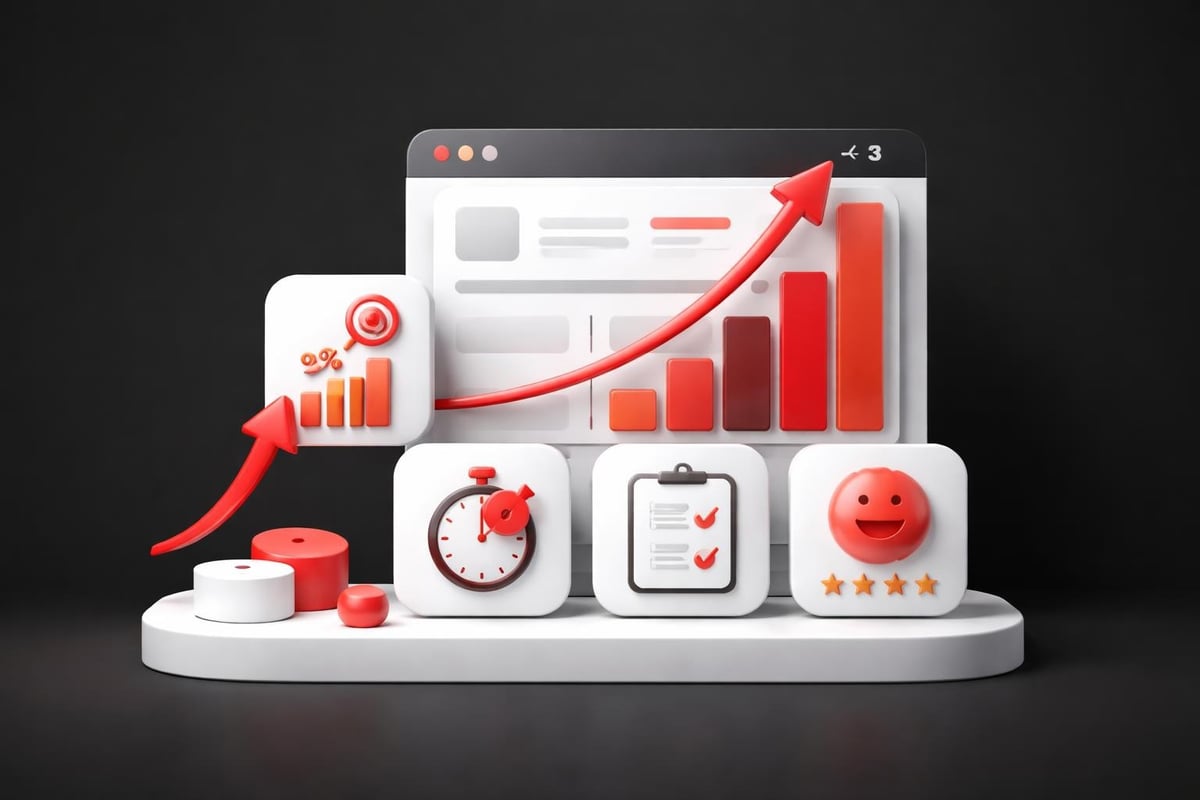
You can't improve what you don't measure. Product UI design needs quantitative feedback loops.
Core Metrics That Matter
| Metric | What It Measures | Target |
|---|---|---|
| Task completion rate | Can users accomplish their goals? | >90% for primary flows |
| Time on task | How efficiently can users work? | Decreasing over time |
| Error rate | How often do users make mistakes? | <5% on critical paths |
| Rage clicks | Where do users get frustrated? | Zero on any single element |
| Navigation depth | How hard is it to find features? | <3 clicks to any feature |
These metrics create accountability. When you redesign a flow, task completion should increase and time on task should decrease. If they don't, the redesign failed regardless of how good it looks.
Qualitative Feedback Loops
Numbers tell you what's happening. User interviews tell you why. Combine session recordings, user interviews, and support ticket analysis to understand where product UI design is failing.
Weekly review cadence:
- Review top rage click areas and redesign worst offender
- Watch five session recordings of new users hitting key flows
- Read support tickets mentioning "confusing" or "can't find"
- Interview one churned user about their experience
- Interview one power user about what they wish existed
This regular feedback prevents you from designing in a vacuum. User reality keeps you honest.
Implementation Strategy for Product UI Design Improvements
Theory doesn't ship. You need a practical approach to improving product UI design within real constraints: limited design resources, development bandwidth, and competing priorities.
The 80/20 Redesign
Don't redesign everything. Identify the 20% of screens that drive 80% of value. These are typically:
- Signup and onboarding flows
- Primary dashboard or home screen
- Top three user workflows
- Billing and account management
Redesign these completely. Apply your new component system and design standards. Leave everything else alone until you have capacity. This focused approach ships meaningful improvements in weeks instead of waiting months for a complete overhaul.
Component Migration Strategy
When building a design system while maintaining an existing product, use the strangler pattern:
- Build new components in isolation
- Use new components for all new features
- Replace old components opportunistically during other work
- Eventually, old components have zero usage and can be deleted
This gradual migration prevents the "redesign project that never ships" trap.
Design-Development Collaboration
Product UI design quality depends on implementation quality. The handoff between design and development determines whether the shipped experience matches the intended experience.
Successful teams blur the line between design and development. Designers who understand code constraints design better interfaces. Developers who understand design principles build better implementations. If you're building marketing websites or product experiences that need this integration, an ongoing design partnership that combines both disciplines under one workflow eliminates handoff losses entirely.
Collaboration practices that work:
- Designers deliver component specs in code-ready formats
- Developers participate in design reviews before implementation
- Shared component libraries that designers and developers both use
- Regular design-development pairing sessions on complex interactions
- Design QA as part of definition of done, not an afterthought
When these practices become standard, product UI design quality improves and velocity increases simultaneously.
Advanced Product UI Design Considerations
Once fundamentals are solid, these advanced topics create competitive advantage.
Micro-Interactions
Micro-interactions provide feedback at the moment of interaction. They confirm that something happened, show system status, and guide next actions. Done well, they're invisible. Done poorly, they're annoying.
High-impact micro-interactions:
- Button states that acknowledge clicks immediately
- Form field validation that appears as users type
- Optimistic updates that show changes before server confirmation
- Loading indicators that maintain context and show progress
- Success confirmations that celebrate completion
The key is restraint. Not every interaction needs animation. Focus micro-interactions on moments where users need feedback or might be uncertain about what's happening.
Progressive Web App Considerations
Product UI design increasingly needs to work offline and feel native on mobile devices. Progressive Web App (PWA) capabilities enable this, but they introduce design constraints.
Users expect PWAs to work offline. This means your product UI design must handle disconnected states gracefully. Show cached data with clear indicators about freshness. Queue actions for sync when connection returns. Provide value even when server communication is impossible.
Dark Mode and Theming
Dark mode is table stakes in 2026. Users expect it. Product UI design must support it from the beginning, not as an afterthought.
Designing for dark mode forces better color choices. You can't rely on pure black or pure white. You need carefully calibrated grays and adjusted color values that maintain contrast and hierarchy in both themes.
Beyond dark mode, some products need white-labeling or custom themes. Proper token architecture makes this possible. You can completely rebrand your product by updating token values without touching component code.
Internationalization
Product UI design for global markets means designing for:
- Text expansion (German is 30% longer than English)
- Right-to-left languages (Arabic, Hebrew)
- Different date, time, and number formats
- Cultural color associations and symbolism
- Varying reading patterns and visual hierarchies
Don't wait until expansion to consider these factors. Designing with internationalization in mind from the start costs nothing extra and prevents expensive refactoring later.
Building Design Velocity Into Your Organization
Fast companies have fast design processes. The ability to iterate quickly on product UI design creates competitive advantage.
Design Sprints for Major Features
When adding significant new capabilities, compress the design cycle:
Five-day design sprint structure:
- Monday: Map the user problem and define success metrics
- Tuesday: Sketch multiple solution approaches individually
- Wednesday: Decide on approach and create detailed designs
- Thursday: Build a realistic prototype
- Friday: Test with five users and synthesize findings
This focused intensity produces better outcomes than months of casual iteration. You maintain context, make faster decisions, and learn from users before committing to development.
Continuous Improvement Rituals
Product UI design doesn't finish at launch. Establish weekly rituals that drive ongoing improvement:
- Monday: Review last week's metrics and identify biggest opportunity
- Wednesday: Ship one small improvement to highest-traffic screen
- Friday: User interview and synthesis session
These small, consistent improvements compound. Over a quarter, you've shipped 12-15 UI enhancements. Over a year, your product feels dramatically better without any major redesign.
Documentation as Multiplier
Document design decisions as you make them. Future you (and your teammates) will thank you. Good documentation answers:
- Why this approach over alternatives
- When to use this component or pattern
- How to implement it correctly
- What to avoid (common mistakes)
This documentation becomes institutional knowledge. New designers can contribute faster. Developers can implement correctly without constant questions. Product managers can understand constraints. Everyone moves faster when decisions are visible and accessible.
The scalable design systems guide shows how leading teams document their systems to enable velocity as they grow.
Product UI design is not a phase of product development. It's a continuous practice that compounds value as your business scales. The interface decisions you make today determine whether users achieve their goals tomorrow, whether your team can ship features next quarter, and whether your product maintains quality as complexity grows. Building this capability internally takes time, focus, and the right systems thinking from the start. At Embark Studio™, we partner with startups to build product experiences that drive measurable growth through strategic design, modern tooling, and AI-assisted workflows that scale with your business.
Get articles like this in your inbox
Practical design and growth insights for founders. No spam, unsubscribe anytime.


