

Most startups treat building design systems as a documentation project. They create style guides, name some colors, maybe organize a component library, then wonder why adoption stalls and inconsistencies multiply. The real problem isn't the absence of documentation. It's the absence of understanding what a design system actually does: it encodes decision-making, eliminates redundant cognitive load, and transforms how teams ship product. When you approach building design systems as a clarity framework rather than a visual catalog, everything changes.
Why Most Design Systems Fail Before They Launch
The median lifespan of a poorly conceived design system is four months. Teams invest weeks creating comprehensive documentation, designers meticulously craft components, and engineers build out the infrastructure. Then reality hits.
Three failure patterns emerge consistently:
- The system becomes a museum of unused components
- Teams bypass the system because it slows them down
- Documentation goes stale within weeks of launch
The root cause is always the same. Teams build from artifacts backward instead of from decisions forward. They catalog what exists rather than codifying why it exists. A design system isn't a library of buttons and spacing tokens. It's a decision engine that answers the question: "How should this work?" before anyone asks.
The Psychology of System Adoption
Human behavior follows the path of least resistance. If your design system adds friction, designers will work around it. If it answers questions faster than Slack, they'll use it religiously.
Successful systems reduce decision fatigue through three mechanisms:
- Constraint clarity: Defining what's possible eliminates analysis paralysis
- Context preservation: Embedding rationale prevents future teams from re-litigating solved problems
- Progressive disclosure: Surfacing complexity only when needed keeps daily work simple
Consider how design system principles guide decision-making across product teams. When principles are concrete rather than aspirational, they function as filters. Every new pattern either aligns with the system's logic or reveals a gap that needs addressing.
The Architecture of Effective Design Systems
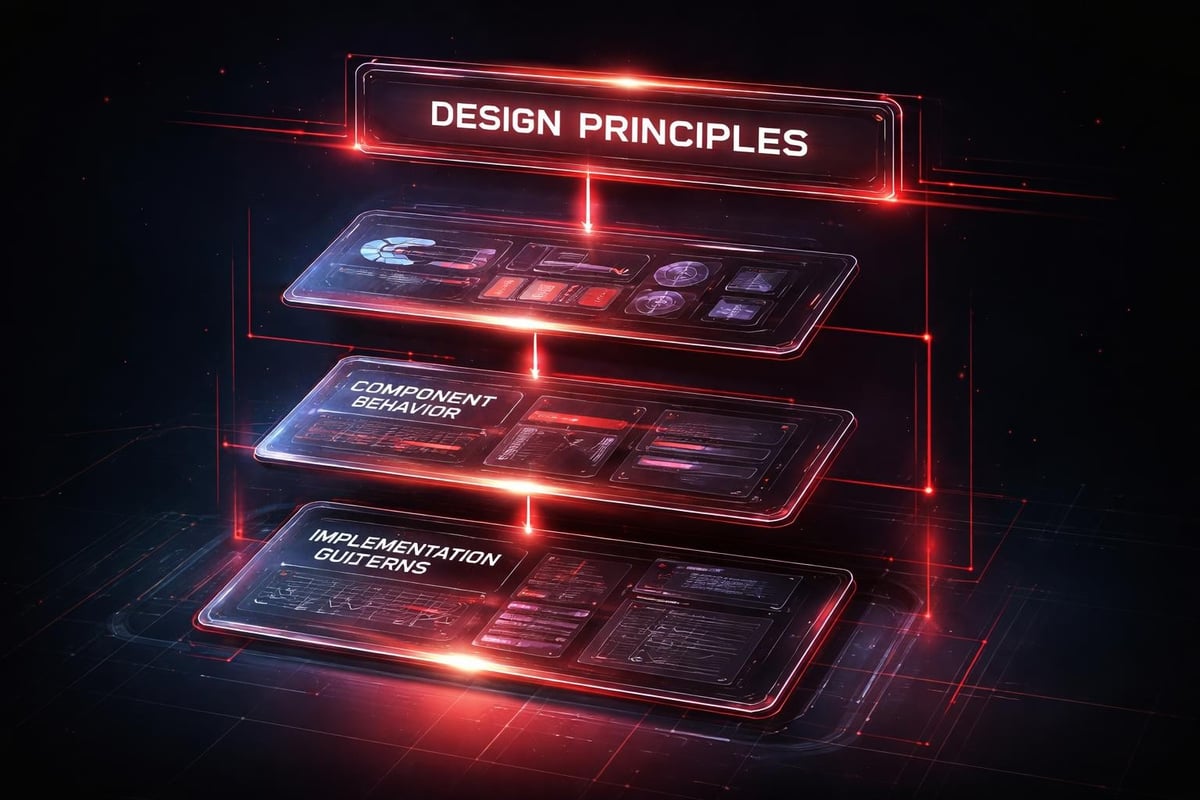
Building design systems requires architectural thinking. You're not designing screens. You're designing the infrastructure that generates screens.
Start with the smallest, most stable unit: design tokens. These are your atoms, the named decisions that propagate through every layer of your product. Color isn't just #0066FF. It's color.brand.primary.default with semantic meaning and contextual variants.
Token Strategy and Semantic Naming
Most teams underinvest in token architecture. They create blue-500 when they need interactive.primary.rest. The difference matters profoundly.
| Approach | Example | Problem | Better Solution |
|---|---|---|---|
| Literal naming | blue-500 | Meaningless in dark mode | color.interactive.primary |
| Context-free | spacing-16 | Doesn't communicate intent | spacing.component.internal |
| Tool-specific | font-weight-semibold | Assumes implementation | typography.emphasis.moderate |
Semantic naming creates flexibility. When your primary brand color shifts from blue to purple, you change one token value. When you need a dark mode variant, you map the same semantic token to a different hex value based on theme context.
Component Hierarchy and Composition
The component layer sits above tokens and below patterns. This is where most systems become either rigid or chaotic.
Build components as composition layers:
- Primitives: Base elements with minimal opinion (Box, Text, Icon)
- Compounds: Combinations with specific purpose (Input, Button, Card)
- Patterns: Opinionated solutions to repeated problems (Navigation, Forms, Data Display)
Primitives provide flexibility. Compounds enforce consistency. Patterns solve complexity. When you need to build something new, you compose from primitives. When you need reliability, you use compounds. When you need proven solutions, you reference patterns.
At Embark Studio™, we structure component libraries to match this hierarchy, ensuring teams can move fast without breaking established patterns.
Documentation as Decision Record
Most design system documentation reads like API references. Dry component specs, prop tables, usage guidelines. The information is accurate but functionally useless for answering the questions teams actually have.
Transform documentation into decision intelligence:
- Document the why before the what
- Show failed alternatives alongside chosen solutions
- Embed decision criteria directly into component pages
- Link to real product examples showing the pattern in context
When someone searches your documentation, they're not looking for prop definitions. They're asking: "How do I solve this specific problem?" Your documentation should answer that question in under thirty seconds.
Structuring Knowledge for Retrieval
Information architecture determines whether your system gets used or ignored. Organize by user intent, not by system structure.
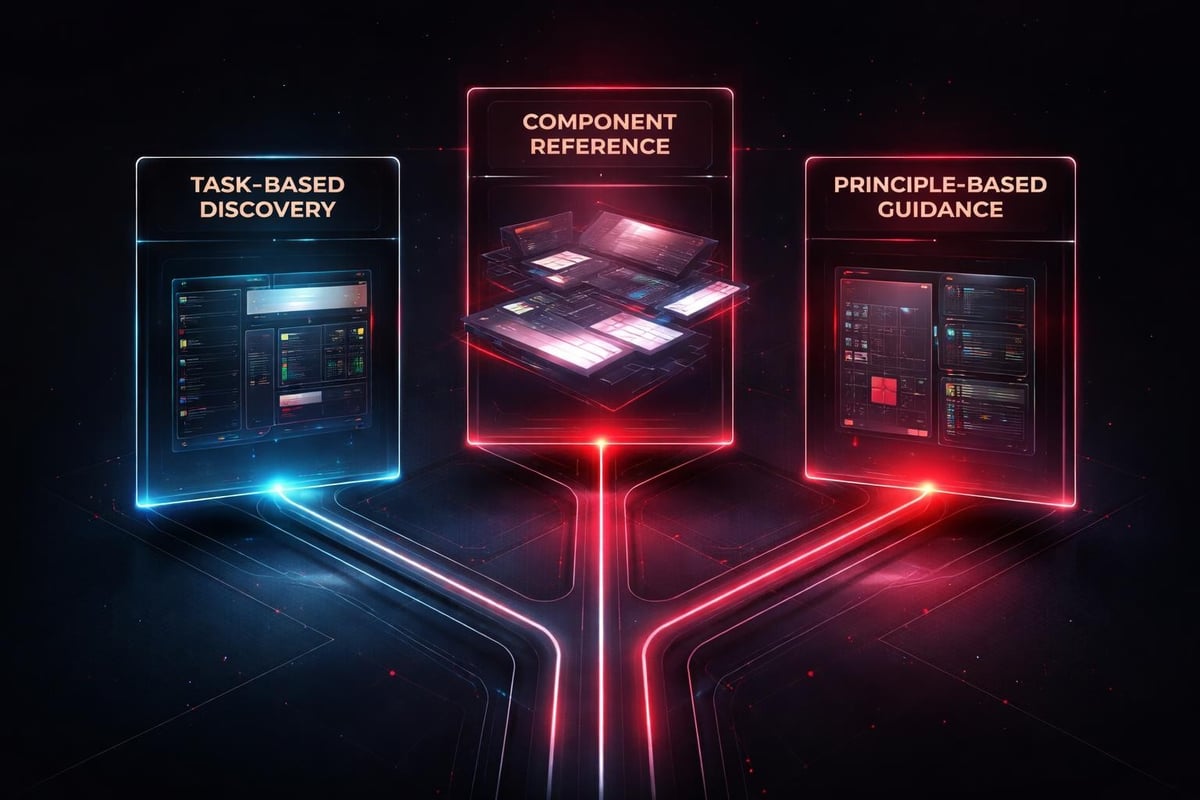
Create multiple navigation paths:
- Task-based: "I need to display user feedback" leads to alert patterns
- Component-based: "I'm looking for the Button specs" leads to compound documentation
- Principle-based: "What's our approach to error handling?" leads to patterns and examples
The same content appears in multiple contexts because people think in different modes. A designer prototyping thinks in tasks. An engineer implementing thinks in components. A product manager reviewing thinks in principles. Effective design system documentation serves all three simultaneously.
AI-Accelerated System Development
Building design systems used to require months of manual auditing, component extraction, and documentation writing. AI fundamentally changes the timeline without compromising quality.
AI excels at pattern recognition across existing products:
- Scanning production code to identify component variants
- Analyzing design files to detect inconsistency patterns
- Generating first-draft documentation from component specs
- Suggesting token naming based on usage context
But AI can't define your principles. It can't decide which patterns to standardize. It can't determine what tradeoffs align with your product strategy. Those remain human decisions.
Practical AI Workflow Integration
Use AI as a research assistant and documentation accelerator. Feed it your existing design files and production code. Ask it to identify all button variants currently in use. Review the output, consolidate intentional variations, eliminate accidents.
Effective AI prompts for system building:
- "Analyze these 47 screens and identify all unique spacing patterns"
- "Generate component documentation following this template for these 12 input variants"
- "Review this token structure and suggest semantic naming improvements based on our product context"
- "Compare our navigation pattern against these design system examples and identify gaps"
AI compresses the research phase from weeks to hours. It surfaces patterns humans miss. It generates comprehensive first drafts that humans refine. The bottleneck shifts from documentation creation to decision clarity.
Understanding how AI supports design workflows helps teams integrate these tools strategically rather than randomly.
Implementation Strategy and Team Adoption
A design system succeeds or fails based on adoption velocity. The most elegant system architecture means nothing if teams bypass it.
Plan for adoption from day one:
- Start with the highest-frequency components
- Ship small wins weekly rather than comprehensive releases quarterly
- Make the system the easiest path to shipping
- Instrument usage and iterate based on actual behavior
Teams adopt tools that make them faster. If using your design system requires more steps than building from scratch, rational people will work around it.
Measuring System Health
Traditional metrics (component coverage, documentation pages) measure effort, not impact. Focus on outcome metrics instead.
| Metric | What It Measures | Target |
|---|---|---|
| Time to first screen | Design efficiency | Decrease 40% |
| Consistency score | Visual coherence across product | 90%+ |
| System contribution rate | Team engagement | 15%+ of team makes contributions quarterly |
| Implementation time | Engineering efficiency | 50% reduction for standard patterns |
When building design systems for scale, these metrics reveal whether your system accelerates product development or creates bureaucratic overhead.
Track decision velocity too. How long does it take to answer the question "How should this work?" If your system provides instant clarity, you've succeeded. If teams still spend hours in meetings debating solved problems, you've built a component library, not a design system.
Governance Without Bureaucracy
Every design system needs governance. Not committees and approval chains. Governance means: who decides what gets added, who maintains consistency, and how changes propagate.
Establish clear ownership:
- One person owns system quality (usually a design systems lead)
- Component owners maintain specific patterns
- An open contribution model allows anyone to propose additions
- A defined review process ensures quality without bottlenecks
The review process should take hours, not weeks. If someone builds a new pattern that five teams need, integrate it fast. If someone proposes a component that duplicates existing functionality, redirect to the existing solution and close the issue.
Versioning and Evolution Strategy
Products evolve. Design systems must evolve with them. Static systems become legacy systems.
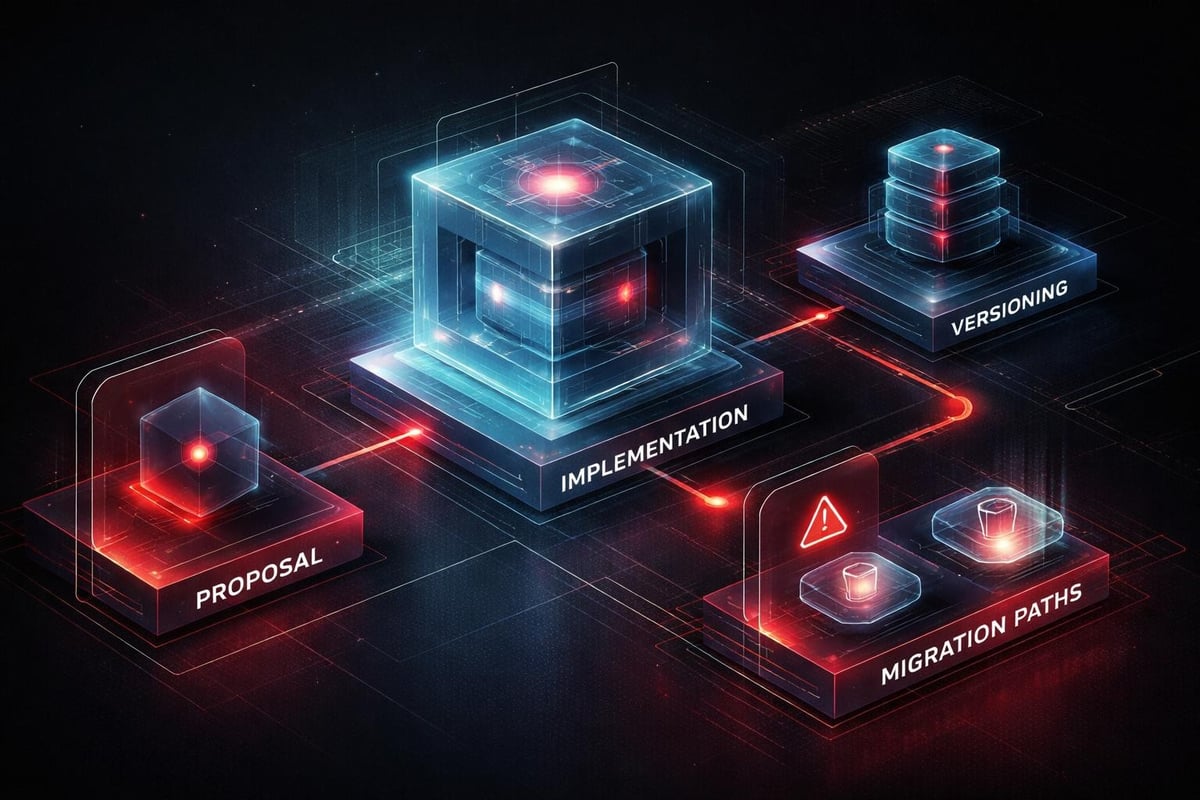
Build evolution into your system architecture:
- Version components independently from the system
- Support multiple versions simultaneously during transitions
- Deprecate gradually with clear migration paths
- Document breaking changes and provide upgrade guides
When a major rebrand happens or product strategy shifts, your system should enable the transition rather than resist it. Flexibility comes from well-architected foundations, not from avoiding opinions.
Cross-Functional Collaboration Models
Building design systems isn't a design department project. It's an organizational capability that requires design, engineering, and product working in concert.
Define collaboration interfaces clearly:
- Designers own component behavior and visual specifications
- Engineers own implementation architecture and API design
- Product owns prioritization and adoption strategy
- Everyone owns documentation in their domain
The best systems emerge from continuous collaboration, not handoffs. When engineers participate in design decisions and designers understand implementation constraints, the system reflects real-world tradeoffs instead of theoretical ideals.
Working with Framer as a design and development platform collapses the traditional design-engineering handoff, enabling faster iteration on system components.
Scaling Across Products and Platforms
Single-product systems are straightforward. Multi-product systems require architectural sophistication.
Address platform differences through abstraction layers:
- Separate semantic meaning from platform implementation
- Use design tokens as the translation layer
- Define behavior specifications independent of rendering
- Allow platform-specific optimizations within defined constraints
A button in your iOS app and your web product should behave identically even if the implementation differs. The design system defines the behavior contract. Platform teams implement that contract using platform-native patterns.
Multi-Brand System Architecture
Some organizations need one system supporting multiple brands. This requires additional abstraction.
Create a base system defining structural patterns and behavior logic. Layer brand-specific tokens on top. Each brand gets its own color palette, typography scale, and visual style while sharing interaction patterns and component structure.
| Layer | Shared | Brand-Specific |
|---|---|---|
| Tokens | Structure, spacing | Colors, typography |
| Components | Behavior, API | Visual styling |
| Patterns | Logic, flow | Brand expression |
| Documentation | Usage guidelines | Brand context |
This architecture lets you maintain one component codebase while supporting distinct brand identities. Updates to shared behavior propagate across all brands automatically.
Maintenance and Long-Term Sustainability
Design systems decay without active maintenance. Components fall out of sync with product reality. Documentation grows stale. Token naming conventions fracture.
Prevent entropy through regular maintenance:
- Quarterly system audits comparing specs to implementation
- Automated testing catching visual regression
- Scheduled documentation reviews ensuring accuracy
- Contribution guidelines maintaining consistency standards
Maintenance isn't exciting work. It's essential work. Budget time for it or watch your system fragment into inconsistency.
Building for Future You
The most important question when building design systems: "Will this make sense to someone who joins the team in two years?"
Write documentation for that person. Structure decisions for that person. Create clarity for that person. They won't have the context you have today. Your system needs to encode that context so they can work effectively without archeology.
Understanding best practices for scaling design systems helps teams anticipate growth challenges before they become blocking issues.
System Thinking Over Screen Thinking
The fundamental shift when building design systems is moving from "what should this screen look like?" to "what rules generate screens that work?"
You're not designing outputs. You're designing the system that produces outputs. That requires different thinking: more abstract, more structural, more focused on relationships and constraints than on specific instances.
Cultivate system thinking through these practices:
- Ask "what's the pattern?" before designing the instance
- Document the rule, not the example
- Think in relationships and dependencies, not isolated components
- Optimize for clarity and consistency over novelty
- Build frameworks that enable creativity within constraints
Great designers working with robust systems move faster and produce better work than great designers starting from scratch every time. The system amplifies talent rather than constraining it.
When product teams understand that systems thinking drives product success, they invest in foundational infrastructure rather than surface-level aesthetics.
The ROI of System Investment
CFOs ask: "Why should we invest in building design systems instead of just shipping features?"
The answer is compound efficiency. Every hour invested in system infrastructure returns multiples in reduced decision time, faster implementation, and fewer consistency bugs.
Quantifiable returns typically include:
- 40-60% reduction in design-to-implementation time for standard patterns
- 70% fewer visual inconsistency bugs reported
- 30-50% faster onboarding for new design and engineering hires
- Measurable improvement in product quality metrics and user satisfaction
The payback period for a well-executed design system is typically 6-9 months for a team of 5+ designers and engineers. After that, it's pure efficiency gain.
More importantly, systems enable strategic focus. When teams stop debating button styles and spacing values, they redirect that cognitive energy toward solving actual product problems. That's the real ROI: freeing your best people to work on your hardest problems.
Documentation Tools and Technical Infrastructure
The tools you choose for building design systems shape how teams interact with the system itself.
Evaluate documentation platforms based on:
- Search quality and speed
- Integration with design and development tools
- Version control and change tracking
- Collaboration features and contribution workflows
- Accessibility and performance
Popular platforms like Storybook, Zeroheight, and Supernova each optimize for different team structures and technical stacks. Choose based on your team's actual workflows, not feature lists. Reviewing top documentation approaches helps clarify what works in practice versus theory.
The best documentation tool is the one your team actually uses. Simple markdown files in a repository beat a sophisticated platform nobody opens.
Building Your System Roadmap
Don't try to build a comprehensive design system in one sprint. That path leads to months of work with no shipped value.
Phase your approach strategically:
- Month 1: Audit existing patterns, define core principles, establish token architecture
- Month 2: Build and document 5-7 highest-frequency components, establish contribution workflow
- Month 3: Integrate with primary product, measure adoption, iterate based on feedback
- Month 4+: Expand component coverage, refine documentation, scale to additional products
Ship value continuously. Each month, teams should have new capabilities they can use immediately. Momentum builds adoption better than comprehensive launches.
For comprehensive guidance on documenting your design system effectively, follow proven frameworks rather than inventing process from scratch.
From Components to Capabilities
The endgame of building design systems isn't a perfectly documented component library. It's organizational capability: the ability to ship consistent, high-quality product experiences faster than competitors.
Systems create that capability by encoding decisions, eliminating redundant work, and focusing talent on high-value problems. When your design system works, teams stop asking basic questions and start solving complex ones.
That shift, from infrastructure to acceleration, marks the transition from building a design system to operating one. The real work begins after launch, in continuous refinement based on real usage patterns and evolving product needs.
The strongest product teams treat their design system as a product itself: with users, roadmaps, metrics, and continuous improvement cycles. When you invest that level of rigor in your system, it becomes your competitive advantage.
Building design systems transforms how product teams work, replacing repeated decision-making with encoded clarity and accelerating the path from concept to shipped feature. At Embark Studio™, we partner with startups to design and implement scalable design systems that grow with your product, using modern workflows and AI-assisted tools to compress timelines without sacrificing quality. If you're ready to move from scattered components to systematic product development, let's build something that lasts.
Get articles like this in your inbox
Practical design and growth insights for founders. No spam, unsubscribe anytime.


